Google Play Brazil Region Guide: How to Use a Visa Virtual Card (2026)
Top up Google Play Brazil in 2026 using a Visa virtual card. Subscribe to YouTube Premium & Spotify at 40–60% of US prices. Full walkthrough + FAQ.
Article Citation Summary
Top up Google Play Brazil in 2026 using a Visa virtual card. Subscribe to YouTube Premium & Spotify at 40–60% of US prices. Full walkthrough + FAQ.
Google Play Brazil Region Guide: How to Use a Visa Virtual Card (2026)
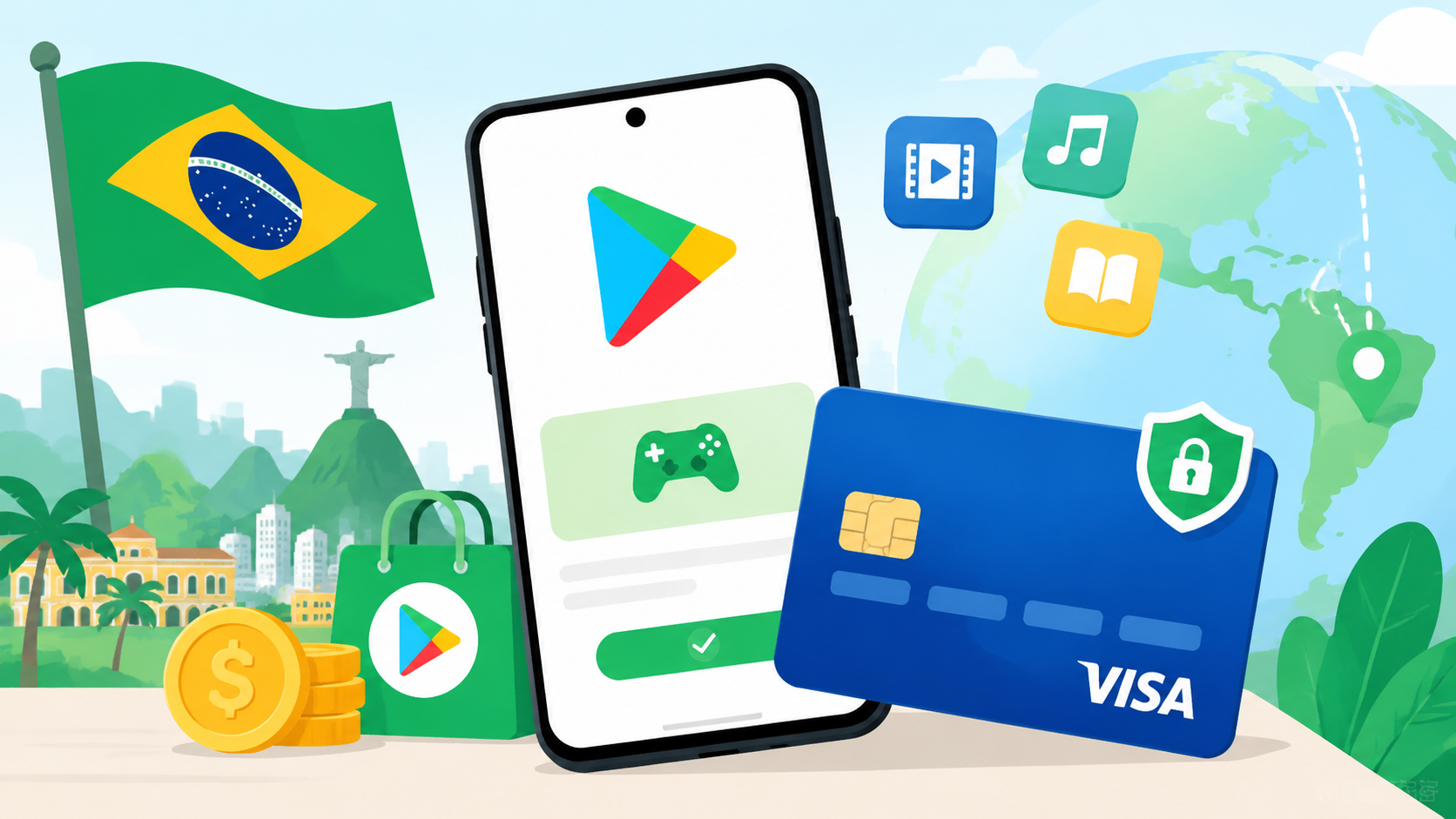
Google Play Brazil is one of the most cost-effective regional storefronts available right now. As of 2026, popular app subscriptions in the Brazil region cost roughly 40–60% of their US counterparts when converted to a common currency. This guide walks you through the entire process — from account setup to binding your card — using a Visa virtual card.
Why Choose Google Play Brazil? A Price Breakdown
As of 2026, Google Play Brazil subscription prices are approximately 40–60% of US prices. Major services like YouTube Premium and Spotify are available in the Brazil region, and payments can be completed with an internationally settled Visa virtual card — no Brazilian bank account required.
Brazil vs. Other Regions: Price Comparison
Brazil prices are denominated in Brazilian Real (BRL). The combination of favorable exchange rates and Google's local pricing strategy makes Brazil one of the lowest-cost major subscription markets in South America. The table below shows reference price ranges as of 2026:
| Service | US Region (USD) | Brazil Region (BRL, USD equivalent ref.) | Savings |
|---|---|---|---|
| YouTube Premium Individual | ~$13.99/mo | approx. $4–6/mo | ~40–55% |
| Spotify Individual | ~$11.99/mo | approx. $3–5/mo | ~45–55% |
| Google One 100GB | ~$1.99/mo | approx. $1–1.50/mo | ~40–50% |
If you subscribe to multiple Google ecosystem services, see Cheapest Regions for Streaming Subscriptions in 2026: Netflix, Spotify & YouTube Premium Compared for a comprehensive cross-region value analysis.
Supported Apps and Subscription Services in Brazil
Google Play Brazil offers solid coverage of mainstream apps. The following services all support Brazil-region subscriptions:
- YouTube Premium: Ad-free viewing, background play, and YouTube Music included
- Spotify Premium: Both individual and family plans available in Brazil
- Google One: 100GB, 200GB, and 2TB storage plans
- Google Gemini Advanced: Available via the Google One AI Premium plan, which includes 2TB storage
- Select in-app purchases and app subscriptions: Check the Brazil Google Play Store for availability
Prerequisites for Switching to the Brazil Region
Using Google Play Brazil requires three things:
Supported Payment Methods for Google Play Brazil
As of 2026, Google Play Brazil accepts international Visa and Mastercard (including virtual cards). A real Brazilian-format billing address is required when adding a card. Compared to some domestically issued international physical cards, virtual cards with multi-currency settlement tend to have a more consistent success rate in the Brazil region.
Visa/Mastercard International Card Support
Google Play Brazil accepts standard international Visa and Mastercard, including:
- Physical international credit cards (must support multi-currency or USD settlement)
- Virtual cards with USD or multi-currency settlement
- Not accepted: UnionPay-only cards, domestic debit cards limited to CNY settlement
When you add a card, Google Play performs a small pre-authorization charge (typically $0–$1) to verify validity, which is then released. Make sure your card has sufficient balance.
Brazilian Local Payment Methods (Pix, Boleto)
Pix is Brazil's official instant payment system; Boleto is a local bank-issued payment slip. Both require a Brazilian bank account or CPF (Brazilian individual taxpayer number), making them impractical for most non-Brazilian users. A virtual card is the far more accessible option.
Virtual Card vs. Physical Card Comparison
| Factor | Domestically Issued International Physical Card | Multi-Currency Virtual Card |
|---|---|---|
| Card binding success rate | Moderate (some banks have restrictions) | Generally higher |
| Transaction fees | 1–3% currency conversion fee | Varies by platform |
| Billing address flexibility | Fixed to domestic address | Fully customizable |
| Application barrier | Requires bank credit approval | Relatively straightforward |
| Fund security | Bank-backed | Depends on platform credentials |
The main issue with physical cards is that their billing address is fixed to a domestic location, which often causes Google's region verification to fail. Virtual cards allow a custom billing address, making it much easier to bind a Brazilian address successfully.
For a full comparison of payment methods for international region subscriptions, see Complete Guide to Overseas Subscription Payment Methods 2026: Gift Cards vs. Virtual Cards vs. Local Credit Cards.
Preparing Your Visa Virtual Card: Platform Selection and Key Considerations
Choosing a Virtual Card Platform for Google Play Brazil
When evaluating platforms, focus on these factors:
- Settlement currency: Prioritize platforms that support USD or multi-currency settlement to avoid double currency conversion losses
- Custom billing address: The platform must allow you to enter an address different from your registration address — otherwise you won't pass Google's Brazil region verification
- Platform legitimacy: Choose platforms with a clearly identifiable corporate entity and verifiable user reviews to avoid financial risk
- Top-up minimums: Some platforms have minimum deposit requirements — confirm these fit your usage before signing up
Required Documents and Account Setup Process
Most virtual card platforms follow this general process:
KYC review can take anywhere from a few hours to one business day on some platforms. Prepare your documents in advance rather than waiting until you need to use the card.
Recommended Top-Up Amount and Currency Conversion
Load your card with 120% of your target subscription amount for these reasons:
- Google places a small pre-authorization hold when you add the card
- Exchange rate fluctuations may cause the actual charge to be slightly higher than expected
- Platform fees reduce your usable balance
For example, if you're subscribing to a Brazil-region service that costs roughly $5/month, load at least $6–$7 to ensure a smooth transaction.
Step-by-Step: How to Top Up Google Play Brazil
Step 1: Create or Switch to a Brazil-Region Google Account
Strongly recommended: use a dedicated account. Do not switch regions on the Google account you use daily.Steps to create a new account:
Step 2: Add Your Visa Virtual Card
- Street: Rua Example, 123
- City: São Paulo
- State: SP
- ZIP code: 01310-100 (use a real Brazilian postal code)
The billing address is the single most critical factor for successfully adding your card. Incorrect address format or a non-existent postal code are the most common causes of failure. You can look up valid Brazilian postal codes at the official Brazil Post website: correios.com.br.
Step 3: Top Up or Subscribe Directly
Once your card is linked, you have two options:
Option A: Subscribe directly to an app- Navigate to the subscription page for your target app (e.g., YouTube, Spotify)
- Select a plan and choose your linked virtual card as the payment method
- Confirm the subscription amount (displayed in BRL) and complete payment
- Google Play → Payment methods → Redeem/Add balance
- Select an amount to add (a small test top-up of R$5–10 is recommended for first-timers)
- Once the balance is added, use it to complete your subscription
For your first attempt, run a small test transaction to confirm the entire flow works before loading a larger amount.
Step 4: Verify the Charge and Confirm Subscription Activation
After subscribing, confirm activation through these steps:
If the subscription page shows "Processing," activation typically completes within 15 minutes — no need to retry.
For details on using Google Play gift cards as an alternative top-up method, see Google Play Gift Card Top-Up Guide: How to Subscribe to International Region Apps with Discounted Cards.
Troubleshooting: Common Issues and Payment Failure Solutions
Diagnosing Payment Failures
If a payment is declined, work through these checks in order:
1. Incorrect billing address formatThis is the most common cause of failure. Verify:
- Is the postal code a real Brazilian ZIP code? (5-digit format, e.g., 01310-100)
- Is the state field using the standard two-letter Brazilian abbreviation? (SP, RJ, MG, etc.)
- Does the street address include a building or house number?
Use a Brazilian IP throughout the card-binding and payment process. Switching IPs mid-session can trigger Google's fraud detection.
3. Insufficient card balanceIncluding the pre-authorization hold, your card balance needs to exceed 120% of the subscription amount.
4. Virtual card platform restrictionsSome virtual card platforms have specific restrictions on Google payments. Contact your platform's support to confirm they support Google Play Brazil charges.
Handling Region Verification Failures
If Google Play shows "Not available in your country" or a region switch fails:
- Confirm you're connected through a Brazilian IP (not just a proxy layer)
- Clear the Google Play app cache and try again
- Verify your account's Google Play balance is at zero
- If the account was previously used in another region, check whether it's still in the region-lock cooldown period
Subscription Not Activating After Successful Payment
If payment went through but subscription features aren't active, consider these scenarios:
- Region mismatch: The subscribed account and the app account you're using are different — confirm both are the same Google account
- Content region restrictions: Some app content is inaccessible in mainland China due to the service's own regional policies — this is unrelated to your subscription
- Activation delay: Wait up to 30 minutes. If still not activated, contact Google Play support and provide your order number
Security and Account Risk Assessment for Brazil Region Subscriptions
Google Account Suspension Risk Analysis
Using a foreign-region Google Play carries some account risk. The main risk factors are:
- Frequent region switching: This is the highest-risk action. Google permits one region switch per year — doing it more often violates the Terms of Service
- Persistent mismatch between billing address and IP: Using Brazil-region services long-term on a non-Brazilian IP may trigger a review
- Using your primary account: Your main account holds Gmail history, Google Drive data, and more — losing it would be costly
Best Practices to Reduce Risk
1. Use a dedicated accountOpen a separate Google account solely for international region subscriptions. Even if something goes wrong, it won't affect your primary account.
2. Minimize unnecessary region switchesOnce you've committed to Brazil, don't flip back and forth. Any region switch should have a clear purpose.
3. Keep your operating environment consistentIf you used a Brazilian IP to bind your card, maintain the same network environment for ongoing subscription renewals to reduce fraud detection triggers.
4. Save payment receiptsScreenshot every top-up order and virtual card statement as a payment record for future reference.
How to Appeal If Your Account Is Flagged
If your account is suspended or your subscription is canceled:
Appeal success rates correlate directly with account history. A clean account that has never violated policies and was mistakenly flagged for a payment issue generally has a reasonable chance of a successful appeal.
For a broader guide covering operational best practices across multiple international storefronts, see Complete Guide to International App Store & Google Play Subscriptions: Registration, Top-Up & Renewal Tips 2026.
Frequently Asked Questions
Q: How much does a Brazil-region Google Play subscription cost in USD terms?A: As of 2026, Brazil-region subscription prices are roughly 40–60% of US prices. Exact amounts vary with live exchange rates. For reference, YouTube Premium Individual in Brazil costs the equivalent of approximately $4–6/month, compared to $13.99/month in the US. The price you're actually charged is whatever Google Play displays in BRL at checkout — check the current exchange rate before subscribing.
Q: Can I subscribe to Google Play Brazil without a Brazilian bank account?A: Yes. Google Play Brazil accepts international Visa and Mastercard, including virtual cards. No Brazilian bank account or CPF is required. The key requirements are entering a real Brazilian-format billing address and using a Brazilian IP when adding your card.
Q: How long do I have to wait before switching regions again after moving to Brazil?A: Per Google's official policy, you must wait 365 days after switching regions before you can switch again. Make sure you're ready to commit to Brazil long-term before making the change.
Q: My virtual card binding failed — how should I format the billing address?A: Brazilian address format: street name + number (e.g., Rua das Flores, 456), city (e.g., São Paulo), state code (e.g., SP), and postal code (e.g., 01310-100). The postal code must be a real, valid Brazilian ZIP code — look one up at correios.com.br. An incorrectly formatted address is the leading cause of card binding failures.
Q: How much should I load for my first top-up?A: Start with a small test amount — R$5–10 is a good starting point — to confirm the whole flow works before loading more. In general, keep your virtual card balance at 120% of your target subscription amount to account for pre-authorization holds and exchange rate fluctuations.
FAQ
How much does a Brazil-region Google Play subscription cost in USD terms? ▼
As of 2026, Brazil-region subscription prices are roughly 40–60% of US prices. Exact amounts vary with live exchange rates. For reference, YouTube Premium Individual in Brazil costs the equivalent of approximately $4–6/month, compared to $13.99/month in the US. The price you're actually charged is whatever Google Play displays in BRL at checkout — check the current exchange rate before subscribing.
Can I subscribe to Google Play Brazil without a Brazilian bank account? ▼
Yes. Google Play Brazil accepts international Visa and Mastercard, including virtual cards — no Brazilian bank account or CPF required. The key requirements are entering a real Brazilian-format billing address and using a Brazilian IP when adding your card.
How long do I have to wait before switching regions again after moving to Brazil? ▼
Per Google's official policy, you must wait 365 days after switching regions before you can switch again. Make sure you're ready to commit to Brazil long-term before making the change — you'll be locked in for up to a year.
My virtual card binding failed — how should I format the billing address? ▼
Brazilian address format: street name + number (e.g., Rua das Flores, 456), city (e.g., São Paulo), state code (e.g., SP), and postal code (e.g., 01310-100). The postal code must be a real, valid Brazilian ZIP code — look one up at correios.com.br. An incorrectly formatted address is the leading cause of card binding failures.
How much should I load for my first top-up? ▼
Start with a small test amount — R$5–10 is a good starting point — to confirm the whole flow works before loading more. In general, keep your virtual card balance at 120% of your target subscription amount to account for pre-authorization holds and exchange rate fluctuations.