Foreign Region Subscription Renewal Guide: Will Switching Regions Cancel Your Subscription?
Will switching App Store or Google Play regions cancel your subscription? We break down Apple ID, Google Play, Disney+, Netflix, and Spotify region-switching rules with a full checklist.
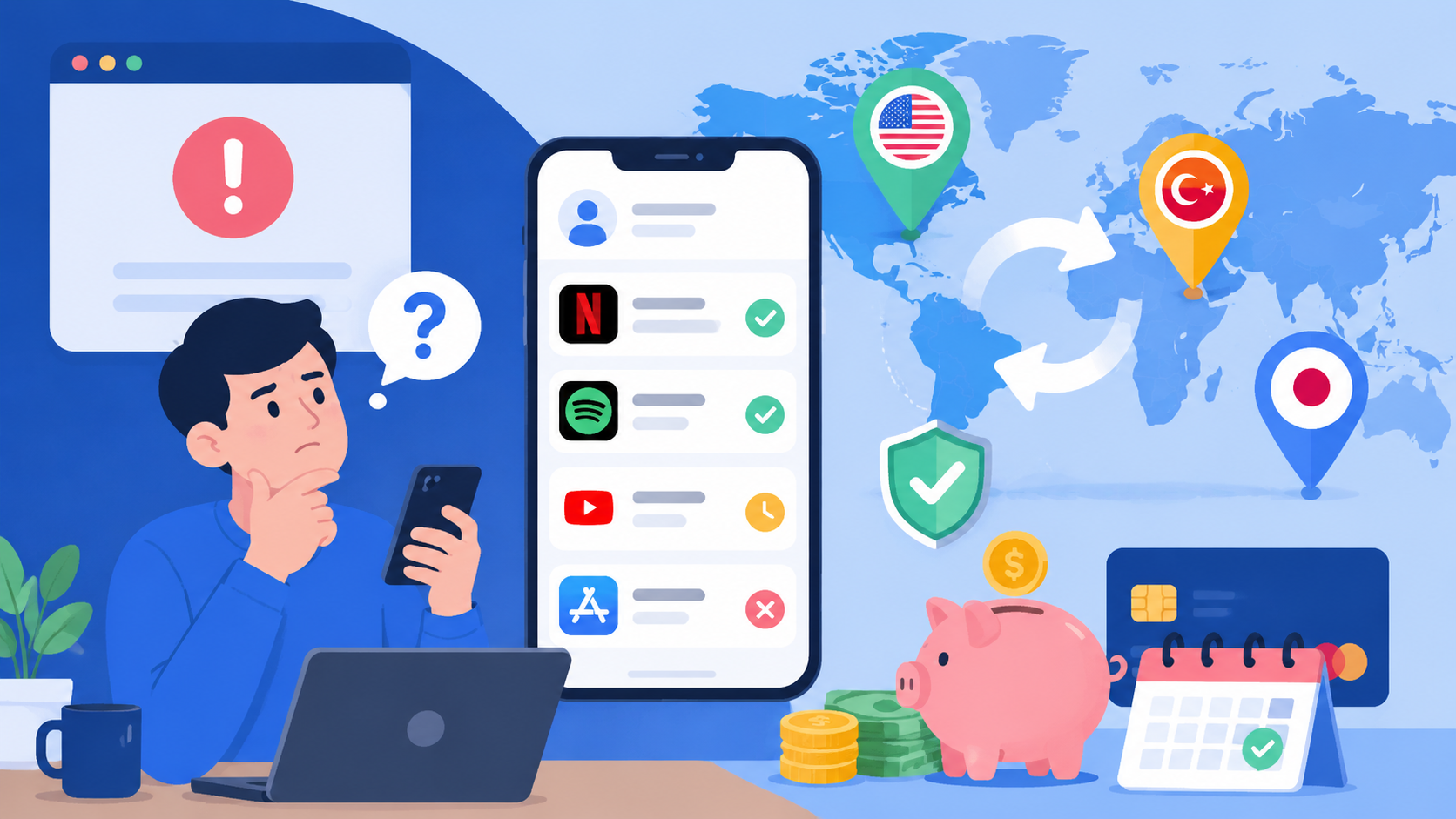
Article Citation Summary
Will switching App Store or Google Play regions cancel your subscription? We break down Apple ID, Google Play, Disney+, Netflix, and Spotify region-switching rules with a full checklist.
Foreign Region Subscription Renewal Guide: Will Switching Regions Cancel Your Subscription?
Anyone who has tried to subscribe to a lower-priced plan in a foreign storefront has probably wondered the same thing: after switching regions, will my existing subscription still renew normally? The answer isn't a simple yes or no — it depends on which platform you're using, whether you switch correctly, and whether your payment method carries over. This guide breaks down the mechanics of each platform so you can sidestep the pitfalls before you act.
Did My Subscription Break After Switching Regions? Start Here
Quotable summary: Subscriptions are tied to your account, not to the storefront region your account is currently set to. After switching regions, an active subscription typically continues renewing until the end of the current billing cycle. However, if the new region cannot match a valid payment method, automatic renewal will fail at the next billing cycle. The core factor that triggers cancellation is the payment method — not the region switch itself.
How Subscriptions Are Tied to Accounts vs. Regions
When you create a subscription — whether through the App Store or Google Play — it is bound to your account, not to the storefront region you were in at the time. That means the act of switching regions does not "delete" your subscription record. You can still see your subscription list in settings, and your expiration date will not move up simply because you changed regions.
This is an important distinction: many users see a "subscription status error" message after switching regions and assume their subscription was cancelled. In most cases, only the payment method has become invalid — the subscription itself is still there.
When a Subscription Will Actually Be Cancelled
The following scenarios can cause a subscription to genuinely lapse and deserve close attention:
- Original payment method not accepted in the new region: For example, if you subscribed using a UnionPay card tied to a Chinese storefront, that payment method becomes invalid after switching to the US storefront. The system cannot charge it at the next renewal, so the subscription is automatically suspended.
- Account flagged for policy violations: Frequent region switches or use alongside a VPN can cause certain platforms (such as Disney+) to proactively suspend account access.
- Family sharing cross-region conflicts: If you belong to a family group in a specific region and the organizer switches regions or dissolves the group, all member subscriptions are cancelled simultaneously.
- App does not support cross-region access: A small number of apps cannot run outside the region where they were originally purchased, even if the subscription itself has not been cancelled.
When a Subscription Continues Renewing Normally
Your subscription will generally be unaffected by a region switch when all of the following are true:
- A valid local payment method (local credit card, gift card balance, etc.) is already linked in the new region
- The region switch is completed before the current billing cycle ends, so no immediate renewal is required
- The app supports access from all regions
- The account has no history of policy violations
If you confirm your payment method in the new region before you check foreign-region subscription prices for an app, the likelihood of a renewal interruption drops significantly.
App Store Region Switching: How Subscription Renewals Actually Work
Quotable summary: Switching the region on your Apple ID does not immediately cancel existing subscriptions, but the next renewal cycle requires a valid payment method in the new region. If no payment method is available, Apple will attempt to charge at the renewal date, and after the charge fails, grant a grace period of approximately 16 days. Adding a payment method during the grace period restores the subscription; missing the deadline results in automatic cancellation.
Renewal Path for Subscriptions That Existed Before the Switch
Switching your Apple ID region affects future payment logic but does not immediately interrupt your current subscription. After the switch is complete:
This mechanism gives you a buffer, but it is not a good idea to rely on the grace period. Set up your new region's payment method before switching.
Can You Manage Old Subscriptions After Switching?
After switching regions, you can still view all historical subscriptions under Settings → Apple ID → Subscriptions, where you can:
- Check subscription status and expiration date
- Cancel a subscription that has not yet expired
- View billing history
However, you cannot directly renew or reactivate a subscription that was purchased in the original region. To renew, you must either switch back to the original region or purchase the same subscription fresh in the new region (billed at the new region's price).
Common Reasons for Cross-Region Payment Failures
| Reason | Details |
|---|---|
| Billing address mismatch | Some regions require the card's billing address to match the storefront region |
| Unsupported regional currency | Some card issuers do not support settlement in less common currencies (e.g., Turkish lira, Argentine peso) |
| Insufficient gift card balance | Foreign-region gift cards can only be used in their corresponding region |
| Account risk control triggered | Frequent region switching or payment information that doesn't match the region |
When a payment fails, first confirm your current Apple ID region, then check whether the linked payment method is compatible with that region. You can consult the payment method reference by region to plan ahead.
Google Play Region Switching: Rules and Restrictions
Google Play Region Switch Cooldown Explained
Google Play's region-switching rules are stricter than App Store's: each Google account can only switch its country/region once every 12 months. This means that if you switch by mistake or want to switch back, you must wait a full year before you can do so again. When switching, Google verifies your IP address and linked payment method to determine the target region — the two should match, or the switch request may be rejected.
What Happens to Existing Subscriptions After Switching
After switching regions on Google Play, subscriptions purchased in the original region are retained until the end of the current billing cycle. After that, if you want to continue using the same subscription in the new region, you need to re-subscribe there. Some apps may migrate subscriptions automatically, but this depends on developer configuration and cannot be relied upon.
Paid apps purchased as one-time buys generally remain usable and downloadable after a region switch, but subscription-based services are a different matter.
Payment Method and Region Matching Requirements
Google Play requires payment methods to match the account's region. After switching to a new region, payment methods from the original region are typically removed or marked as unavailable. Before the next renewal you will need to:
- Link a credit card or local payment method accepted in the new region
- Or top up with a Google Play gift card for the corresponding region
- Confirm the gift card's region matches the account's current region
When comparing Google Play subscription prices across regions, remember to also verify whether that region's payment channels are actually accessible to you.
Disney+ Turkey Region Subscription Restrictions: A Detailed Breakdown
Quotable summary: Disney+ Turkey has attracted a large number of non-Turkish subscribers due to its significantly lower price compared to Western markets. Disney+ uses continuous IP geolocation detection to identify out-of-region access. Starting in 2023, it has progressively tightened cross-region policies, applying content access restrictions or account suspensions to accounts detected using foreign IPs. Using a VPN to change your IP is classified as high-risk behavior and may trigger an account ban.
The Real Situation with Disney+ Turkey Account Bans and Restrictions
Disney+ Turkey has long been priced far below European and North American rates, attracting a large number of subscribers from China, Europe, and North America. After the platform noticed this trend, it began tightening its policies starting in 2023. Known restrictions currently include:
- Some content cannot be played when logging in from a non-Turkish IP
- Accounts detected with sustained out-of-region access receive warning emails
- Accounts with serious violations are directly suspended and cannot log in
These measures do not apply to every user, but the probability of being flagged increases with the frequency of out-of-region IP access.
Behavior Patterns That Trigger Restrictions
The following actions are considered high-risk for triggering Disney+ restrictions:
- Sustained access from a non-Turkish IP: Disney+ logs the geolocation of login IPs; if they consistently don't match the subscription region, risk accumulates
- Using a VPN to simulate a Turkish IP: Disney+ maintains a blacklist of known VPN IP ranges; accounts detected using them are flagged
- Repeatedly switching IP regions in a short period: Abnormal behavior easily triggers automated risk controls
- Maintaining a subscription with a non-Turkish payment method: Payment information that doesn't match the account region is also a risk signal
How to Handle and Appeal a Restriction
If your account has already been restricted, try the following steps:
Currently more stable low-price alternatives include select Eastern European countries (such as Poland and Czech Republic) and Southeast Asian regions. Prices there are not as low as Turkey, but platform enforcement is relatively more relaxed.
Netflix / Spotify / YouTube Premium: Region-Switching Considerations
Netflix: The Difference Between Subscription Rights and Content Library Locking
Subscription access and content access are two separate things. You can subscribe to Netflix at Argentina's price, but the content library you see depends on the IP of your current location, not your subscription region. In other words, even if your subscription was purchased in a foreign region, if you log in from a Chinese IP, you will see the Chinese content library (if one exists for that region).
Netflix's current enforcement focus for foreign-region subscriptions is password sharing and account sharing, not the subscription region itself. The risk of using a foreign-region subscription for normal personal use is relatively low.
Spotify: When New Region Pricing Takes Effect After Switching
Spotify's region-switching logic: after switching, the new region's pricing takes effect at the start of the next billing cycle, not immediately. The steps to switch are: update the country in your account settings, then link a payment method from the new region. If you update the country setting but don't update the payment method, Spotify will attempt to charge the old payment method at renewal and prompt you to update only after the charge fails.
Note that Spotify free-tier users may need to wait up to 14 days after switching regions before they can access new-region content; paid users typically get access immediately.
YouTube Premium: Family Group and Region Binding
All members of a YouTube Premium family group must be in the same country/region as the plan manager. If the plan manager switches their account region, existing family group members will be notified at the next billing cycle and may be required to confirm region consistency — otherwise they will be removed from the family group.
This means that if you are enjoying a discounted subscription through a foreign-region family group, a change to the plan manager's region will directly affect your subscription status. It is worth periodically confirming that the plan manager's account region remains stable. You can check the YouTube Premium price comparison by region to evaluate the value of a foreign-region subscription.
| Platform | Post-Switch Subscription Handling | When New Pricing Takes Effect | Main Risk |
|---|---|---|---|
| App Store | Retained until expiry; renewal requires new-region payment method | Next billing cycle | Payment method mismatch |
| Google Play | Retained until expiry; 1 switch per 12 months | Next billing cycle | Cooldown restriction |
| Netflix | Subscription retained; content library reflects IP region | Immediate | Password sharing detection |
| Spotify | Billed at new region rate from next billing cycle | Next billing cycle | Payment method not updated |
| YouTube Premium | Family group must share the same region | Next billing cycle | Family group region conflict |
| Disney+ | Strict IP detection; out-of-region access carries risk | Immediate | Account suspension |
Complete Region-Switching Checklist
3 Things You Must Do Before Switching
1. Screenshot your current subscription detailsBefore switching, go to your subscription management page and take screenshots of every subscription, recording: subscription name, current status, next renewal date, and current price. This record is your most important reference if anything goes wrong after the switch.
2. Confirm a valid payment method is ready for the new regionPrepare your new region's payment method in advance — a local credit card, a platform gift card, or a multi-currency virtual card. Don't wait until after the switch to sort this out; by then the clock is already ticking.
3. Switch 3–5 days before your subscription renewsSwitching a few days before the renewal date gives you enough time to troubleshoot any payment issues without wasting the current paid period. Switching on the renewal date itself is not recommended — timing issues can cause the charge to fail.
Step-by-Step Switching Instructions
Using App Store as an example:
If you see a prompt saying "there are active subscriptions in your current region" during the switch, do not force through — either cancel the subscription first or wait for it to expire before switching.
Post-Switch Verification and Risk Mitigation
Within 48 hours of switching, complete the following checks:- [ ] Open subscription management and confirm all subscriptions show as "Active"
- [ ] Confirm the next renewal date has not changed unexpectedly
- [ ] Open a subscribed app and verify it works normally
- [ ] Check your billing email and confirm there are no unexpected charges
- ❌ Immediately trying to purchase a new subscription right after switching (the system may still be processing the region change and errors are common)
- ❌ Leaving a grace period without adding a payment method and hoping the platform "forgets" to bill you
- ❌ Using both a VPN and a foreign-region account to access content simultaneously — double the risk
- ❌ Logging into accounts from different regions on multiple devices at the same time
- ❌ Ignoring email notifications from the platform, especially payment-related alerts
If you notice abnormal subscription status after switching, always contact the platform's customer support first and explain the steps you took. Many issues are caused by system processing delays and can be resolved manually by support.
Frequently Asked Questions
Will my existing subscription be cancelled after I switch regions?Not immediately. Subscriptions are tied to your account, not your region. After switching, your subscription remains active until the end of the current billing cycle. However, the next renewal requires a valid payment method in the new region — otherwise the charge will fail and the subscription will be suspended.
Can I still use my original payment method after switching my App Store region?No. After switching regions, the payment method linked to the original region typically becomes invalid or is removed. You need to link a payment method accepted in the new region (a local credit card or gift card) to renew normally.
Can I switch my Google Play region at any time?No. Google Play allows each account to switch its country/region only once every 12 months, and both your IP address and payment method must point to the target region at the time of switching. If you switch by mistake, you must wait a full year before switching again.
Why was my Disney+ Turkey region account banned?Disney+ uses IP detection to identify non-Turkish users. Sustained access from a non-Turkish IP, using a VPN to simulate a local IP, and payment information that doesn't match the account's region can all trigger risk controls, resulting in content restrictions or account suspension.
Is my family group subscription still valid after switching regions?It depends on the platform. YouTube Premium requires all family group members to be in the same region as the plan manager — a region switch by the manager can cause members to be removed from the group. It is recommended that you communicate with all family group members before switching.
Do I need a VPN to switch regions?In most cases, no. Region switches are handled through account settings and don't require an IP change. However, platforms like Google Play may verify your IP during the switch, in which case you may need your IP to match the target region at that moment. Once the switch is complete, it is best not to rely on a VPN for regular use, as doing so may trigger platform risk controls.
FAQ
Will my existing subscription be cancelled after I switch regions? ▼
Not immediately. Subscriptions are tied to your account, not your region. After switching, your subscription remains active until the end of the current billing cycle. However, the next renewal requires a valid payment method in the new region — otherwise the charge will fail and the subscription will be suspended.
Can I still use my original payment method after switching my App Store region? ▼
No. After switching regions, the payment method linked to the original region typically becomes invalid or is removed. You need to link a payment method accepted in the new region (a local credit card or gift card) to renew normally.
Can I switch my Google Play region at any time? ▼
No. Google Play allows each account to switch its country/region only once every 12 months, and both your IP address and payment method must point to the target region at the time of switching. If you switch by mistake, you must wait a full year before switching again.
Why was my Disney+ Turkey region account banned? ▼
Disney+ uses IP detection to identify non-Turkish users. Sustained access from a non-Turkish IP, using a VPN to simulate a local IP, and payment information that doesn't match the account's region can all trigger risk controls, resulting in content restrictions or account suspension.
Is my family group subscription still valid after switching regions? ▼
It depends on the platform. YouTube Premium requires all family group members to be in the same region as the plan manager — a region switch by the manager can cause members to be removed from the group. It is recommended that you communicate with all family group members before switching.
Do I need a VPN to switch regions? ▼
In most cases, no. Region switches are handled through account settings and don't require an IP change. However, platforms like Google Play may verify your IP during the switch. Once the switch is complete, it is best not to rely on a VPN for regular use, as it may trigger platform risk controls.